What works on a Switch 1 and what doesn't
| Situation | Works? | Basis | Status |
|---|---|---|---|
| Buy, install or run Orbitals on Switch 1 / Lite / OLED | No | Nintendo store lists Switch 2 only; official site “Only on Nintendo Switch 2” | 3 sources |
| Receive Local GameShare from a Switch 2 in the same room | Yes | Shapefarm “Ways to Play”; Nintendo GameShare page | 2 sources (both official) |
| Receive Online GameShare from a Switch 2 | No — both players need a Switch 2 | Shapefarm “Ways to Play” | 1 source (official, explicit) |
| Join online with the Global Friend's Pass app | No — needs a Switch 2 | Shapefarm “Ways to Play” | 1 source (official) |
| Use a Switch 1 Joy-Con pair as player two on the Switch 2 | Not covered: the store asks for one pair of Joy-Con 2 per player | Nintendo store controller note | 1 source (official) |
Why this is confusing
Two official statements look like they contradict each other, and both are true. Nintendo's GameShare page says “Only Nintendo Switch 2 systems can share games, but any Nintendo Switch 2 or Nintendo Switch can receive them.” Shapefarm's own “Ways to Play Orbitals” post narrows that down for this game: Local GameShare can go to a Switch, Switch Lite or Switch OLED, while Online GameShare is for two people who both own a Nintendo Switch 2 and use GameChat.
So the question “does Orbitals have GameShare with Switch 1?” — asked in Spanish more than any other language (“orbitals tiene gameshare con switch 1”) — has a two-part answer: yes in the same room, no over the internet.
Setting up Local GameShare with a Switch 1
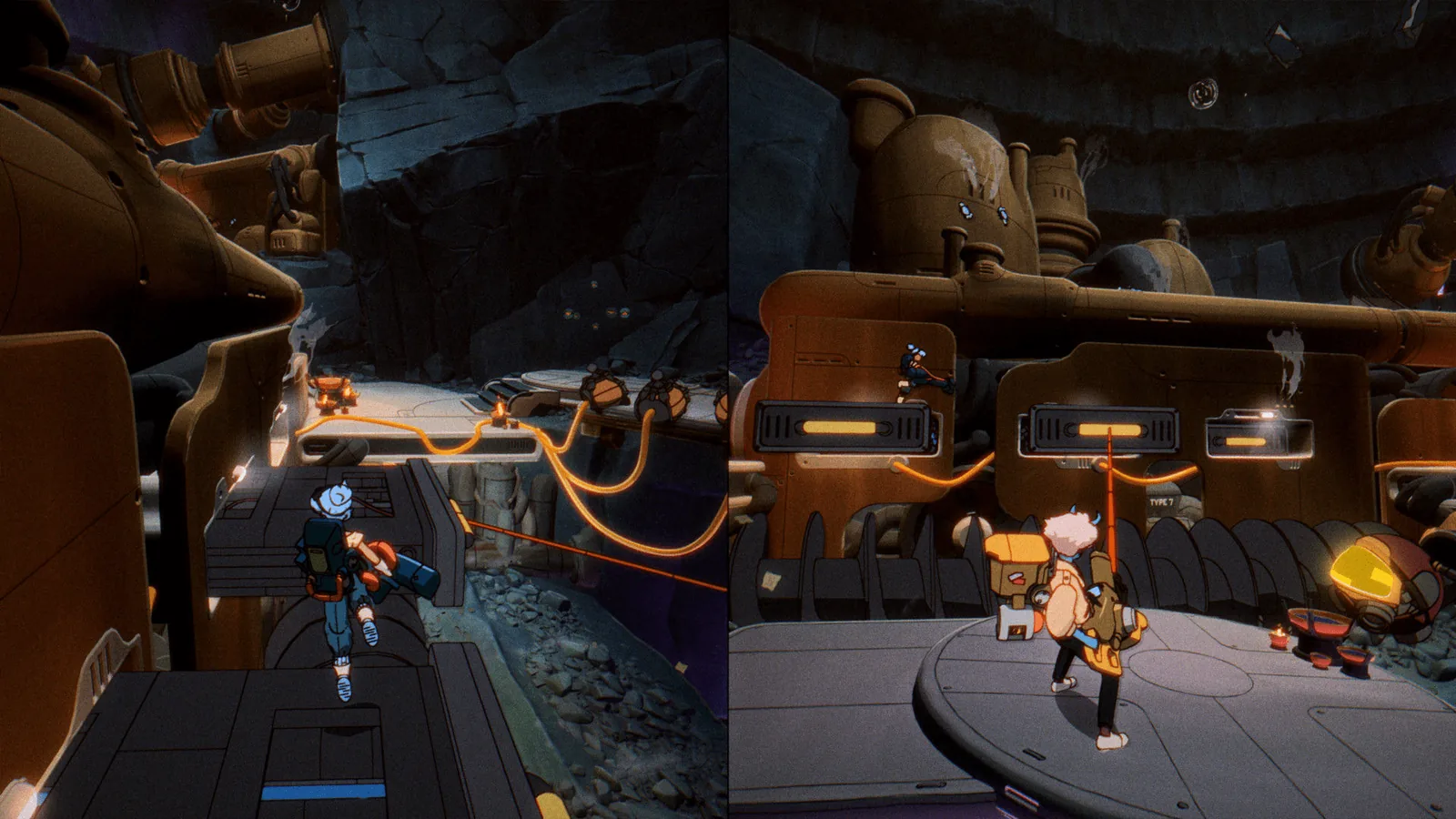
Nintendo has not published resolution or frame-rate figures for the receiving console, so this page leaves that blank rather than guessing. The co-op guide compares this route with split-screen and the Friend's Pass.
- The Switch 2 owner starts Orbitals and chooses GameShare from the game's multiplayer options.
- The friend on the Switch 1, Lite or OLED opens GameShare from their HOME Menu and picks the session nearby.
- The game streams to the second console; only the host needs to own Orbitals.
- Keep both consoles close together — this is a local wireless session, not an internet one.
If you only own a Switch 1
Your realistic options are to play next to a Switch 2 owner via Local GameShare, or to move to Switch 2 yourself. If you are deciding whether Orbitals alone justifies that, the review round-up and length page give the 5–10 hour picture, and the price page covers the $39.99 / $49.99 editions.
FAQ
Does Orbitals have GameShare with Switch 1?
Yes for Local GameShare in the same room; no for Online GameShare, which needs two Switch 2 consoles.
¿Orbitals tiene GameShare con Switch 1?
Sí, pero solo en local (en la misma habitación). El GameShare en línea requiere dos Nintendo Switch 2.
Can I buy Orbitals on my Switch Lite?
No. It is only sold for Nintendo Switch 2. A Lite can only receive a Local GameShare session.
Does the Switch 1 player need their own copy?
No. In GameShare only the Switch 2 host owns the game.
Can a Switch 1 join online through the Friend's Pass?
No. Shapefarm says the Global Friend's Pass and Online GameShare both need a Nintendo Switch 2.
Sources & last checked
- Official news — Ways to Play Orbitals (2026-07-29) — 2026-11-19
- Nintendo — GameShare feature page — 2026-11-19
- Nintendo store — Orbitals (US) — 2026-11-19
- Official site — orbitalsgame.com — 2026-11-19
- Wikipedia (Japanese) — オービタルズ — 2026-11-19
Page updated: