
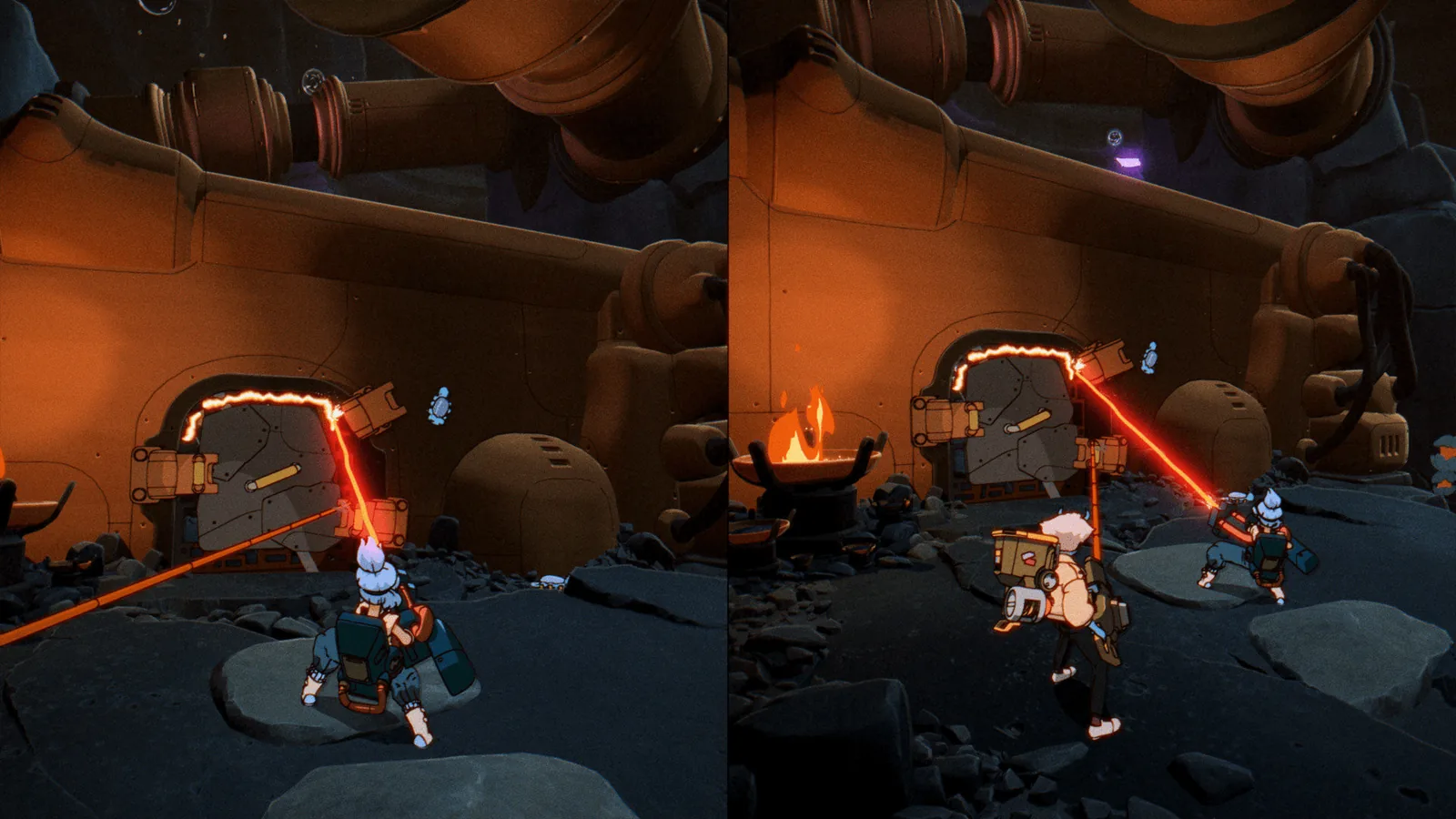
The five setups compared
Status: the setup rows come from Shapefarm's “Ways to Play Orbitals” post (2026-07-29) and the Nintendo store listing; the Switch 1 column is confirmed by Nintendo's GameShare page as well — 2 official sources.
| Setup | Copies needed | Consoles | Switch 1 as player two? | Nintendo Switch Online? | GameChat? |
|---|---|---|---|---|---|
| Split-screen on one console | 1 | 1 Switch 2 | — | No | No |
| Local GameShare | 1 | 2 (second can be any Switch or Switch 2) | Yes | No | No |
| Online GameShare | 1 | 2 Switch 2 | No | Yes, both | Yes |
| Global Friend's Pass (online) | 1 (host only) | 2 Switch 2 | No | Yes, both | Yes |
| Two copies, online | 2 | 2 Switch 2 | No | Yes | Yes |
Split-screen on one Switch 2
The simplest option: one console, one copy, two players side by side with the screen divided vertically. The Nintendo store's controller note asks for one pair of Joy-Con 2 per player, so a second set of controllers is the only extra purchase (1 source, the official store). Nintendo Life's reviewer recommends playing docked for split-screen, because each half of a handheld screen gets small.
Global Friend's Pass: the free way in
The Global Friend's Pass is a free Orbitals app on the eShop. If you own the game, a friend with a Switch 2 downloads the Pass and joins your online session for the entire adventure without buying anything. It also contains the game's built-in demo — the opening chapter in local two-player co-op — which is covered on the demo page.
An April 2026 interview described GameShare as replacing a friend pass; Shapefarm's later “Ways to Play” post confirmed both exist. This page follows the later official post.
Which setup should you pick?
Whatever you choose, there is no solo fallback — the single-player page explains what to do when your partner is away.
- Couple or housemates: split-screen on a TV. One copy, one console, and the bigger screen keeps both halves readable.
- Friend visiting with an old Switch: Local GameShare — nobody else buys anything.
- Long-distance friend with a Switch 2: Global Friend's Pass. One copy, both on NSO.
- You both want your own save: two copies online.
FAQ
Is Orbitals couch co-op?
Yes. Two players can share one Switch 2 in split-screen; each needs a pair of Joy-Con 2 according to the Nintendo store.
Does my friend need to own Orbitals to play online?
No. With the free Global Friend's Pass, a friend with a Switch 2 joins your game online for free; both need Nintendo Switch Online.
Does Orbitals have online co-op?
Yes — through Online GameShare, the Global Friend's Pass, or two copies. All need Switch 2 consoles and Nintendo Switch Online.
Is there crossplay with other platforms?
No. Orbitals exists only on Nintendo Switch 2.
How many players can play Orbitals?
Exactly two. The store lists “Single system (2)” and “Online (2)”.
Sources & last checked
- Official news — Ways to Play Orbitals (2026-07-29) — 2026-11-19
- Nintendo store — Orbitals (US) — 2026-11-19
- Nintendo — GameShare feature page — 2026-11-19
- Crunchyroll — Orbitals preview interview (2026-04-23) — 2026-11-19
- Nintendo Life review (2026-09-01) — 2026-11-19
- Wikipedia — Orbitals (video game) — 2026-11-19
Page updated: